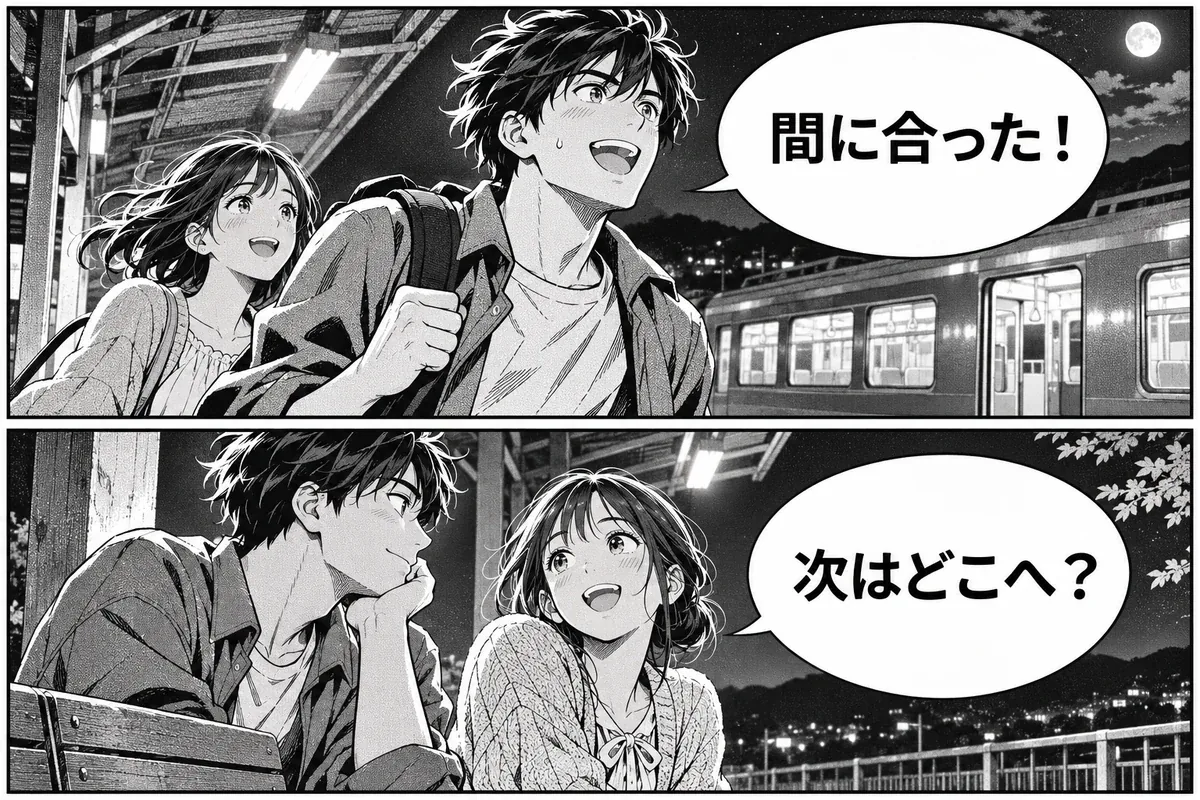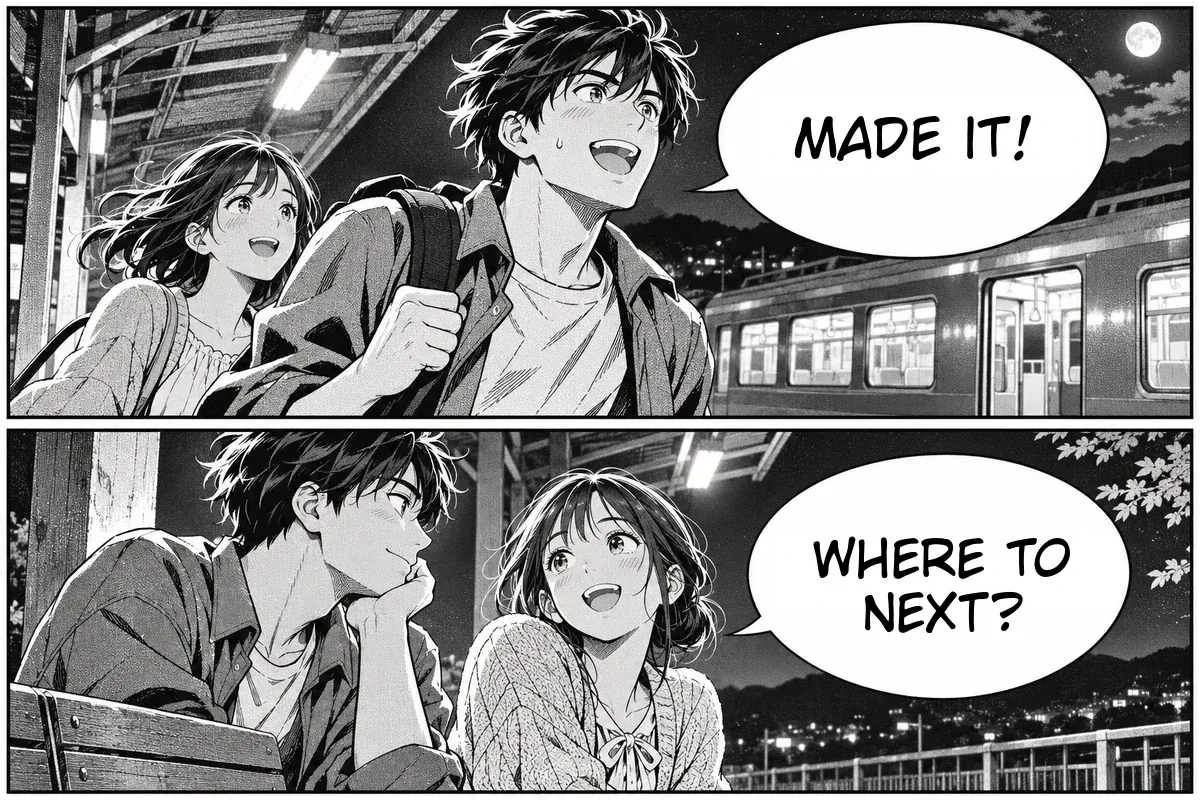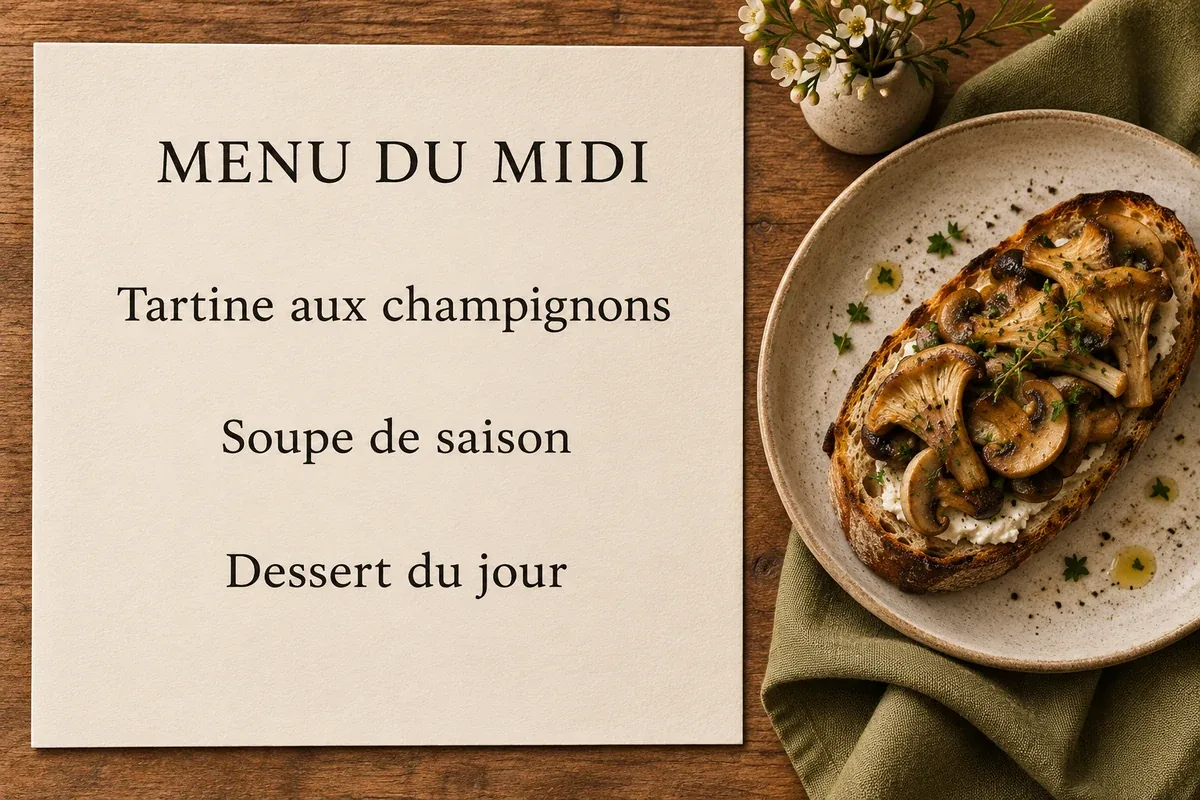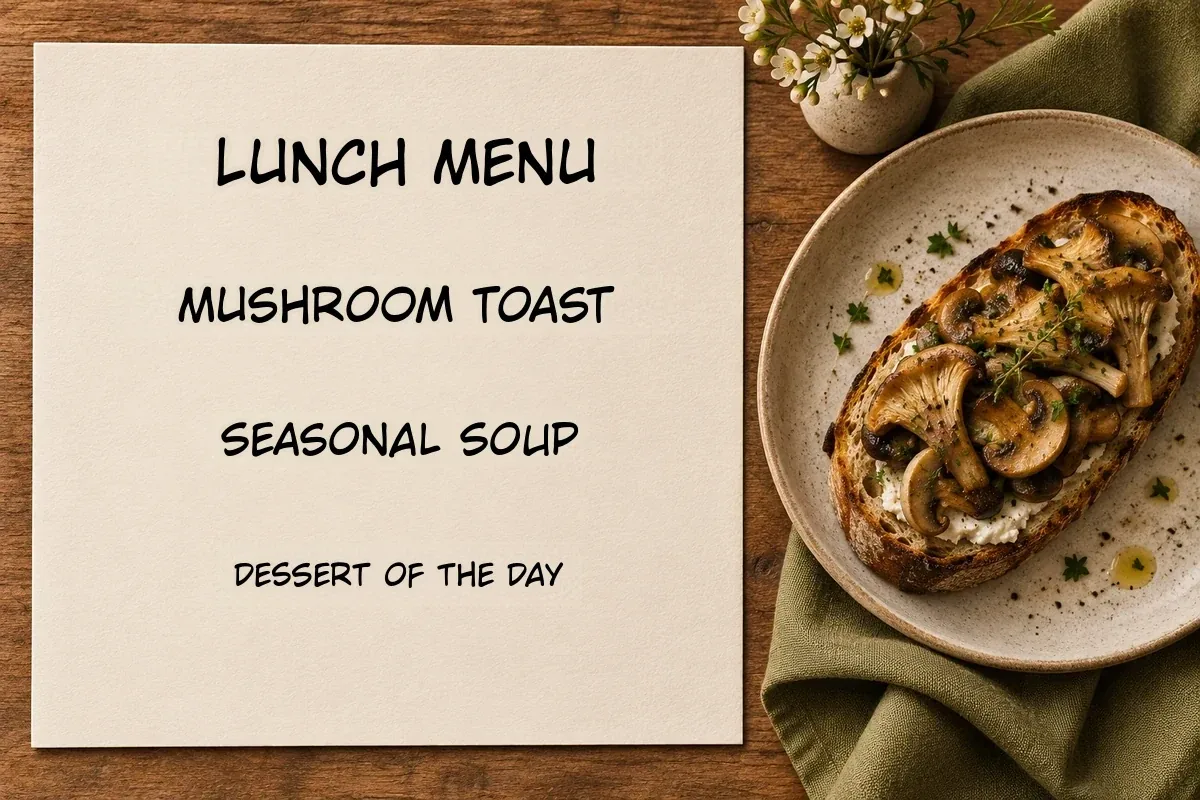

Photo, screenshot, and document image translator

Translate Image Online

Use Translate Image to upload a picture, choose a language, and download a version you can read. Compare the translated text with the original before you share it. Check the credit estimate after selecting an image.

Drop an image here

Choose a photo from your device.

Guest trial · 1 image up to 3 MB · no sign-up · JPG / PNG / WebP

See the translation effect

Choose a scene to compare the original and translated image.

Translation settings

General mode

Gemini is selected by default. Other models follow your plan and service availability.

Advanced settingsGeneral mode · Fast
Translation mode

A quick translation for a single image. Account use costs 10 credits per result.

Custom instructions are available on Pro.0/1000

Choose an image → choose a language → translate, edit and download.

Your image is stored privately for processing and deleted according to our retention policy.

What you can do with Translate Image

Read text in place

The translated image places text back into the picture so you can read a menu item next to its price or a setting next to its control. For a product card, compare the translated claim with the photo it describes. For a comic, read the dialogue in panel order.

Review before sharing

Compare the original and translated versions. Look for small print, line breaks, prices, dates, and units before using the result. Keep the source as a reference when you need to explain which word or number changed.

Correct and export

Use the result editor to correct the wording of a text region, then download a PNG. Eligible plans can export a batch as a ZIP. Use PNG when you need to preserve the translated layout for a slide, a support thread, or an internal handoff.

How to use Translate Image

  1. Upload an image

    Choose a JPG, PNG, or WebP, drag it into the workspace, or paste a screenshot from your clipboard. Keep the relevant headings and labels in frame. A straight crop with minimal glare makes small text easier to recognize. When photographing a printed page, include the full line and any headings that explain it. Pick one image first to check the result before uploading more.

  2. Pick a target language

    English is selected by default. Choose a different language when the result is for another reader. The workspace shows the estimated credit cost once you add an image. For a bilingual image, decide which language the reader needs and check the result against both parts of the source.

  3. Compare and download

    Open the result alongside the original, review important text and numbers, then download the translated image as a PNG. Use the text editor to correct a line before export. If the translated text needs more space, check the entire line for clipping and adjust it before you download.

Check details before you download

Keep the original available while you review the result. Text that looks clear can still contain a missing word or a changed number. Compare dates, prices, product specifications, and instructions with the original, especially when a decision depends on them.

A closer crop helps when small text competes with a busy background. If the meaning depends on nearby text, include the heading and related labels in the crop. For help, email support@translate-image.org.

Simple processing plans

Translate Image pricing

Translate more images and export without watermarks. Choose by monthly image capacity, batch size, and the tools you need.

Annual plans are billed once and include the full annual credit allowance upfront.

Free

$0

Try image translation on a Free account. Daily credits start after 24 hours.

Daily credits

After 24 hours, claim 10 daily credits on use, once per UTC date. They expire at the next UTC midnight.

10 daily credits after 24h

3 images / batch
1 target languages
  • Text & font editor
  • Watermark-free · commercial use
  • Batch ZIP download
  • Document & product modes
  • Manga mode
  • Custom instructions
  • High quality · cross-page context

AI translation models

Gemini
DeepSeek
ChatGPT
Grok
2 free OCR images daily, extras cost 3 credits
Start free

Starter

$8.25per month
$9.90Billed $99 yearly

For product images and everyday localization: editable results, no watermark, and batch exports.

Up to 6000 results / year

One image, one target language per result at Fast or Balanced quality.

60,000 credits upfront / year

20 images / batch
2 target languages
  • Text & font editor
  • Watermark-free · commercial use
  • Batch ZIP download
  • Document & product modes
  • Manga mode
  • Custom instructions
  • High quality · cross-page context

AI translation models

Gemini
DeepSeek
ChatGPT
Grok
500 OCR images monthly, extras cost 3 credits apiece
Recommended

Pro

$16.58per month
$19.90Billed $199 yearly

For manga and multilingual projects that need custom instructions and larger batches.

Up to 14400 results / year

One image, one target language per result at Fast or Balanced quality.

Or up to 7200 High results in the same billing period.

144,000 credits upfront / year

50 images / batch
5 target languages
  • Text & font editor
  • Watermark-free · commercial use
  • Batch ZIP download
  • Document & product modes
  • Manga mode
  • Custom instructions
  • High quality · cross-page context

AI translation models

Gemini
DeepSeek
ChatGPT
Grok
1,500 OCR images monthly, extras cost 3 credits apiece

Studio

$66.58per month
$79.90Billed $799 yearly

For high-volume production: larger files, more languages, and fewer batches to manage.

Up to 60000 results / year

One image, one target language per result at Fast or Balanced quality.

Or up to 30000 High results in the same billing period.

600,000 credits upfront / year

100 images / batch
10 target languages
  • Text & font editor
  • Watermark-free · commercial use
  • Batch ZIP download
  • Document & product modes
  • Manga mode
  • Custom instructions
  • High quality · cross-page context

AI translation models

Gemini
DeepSeek
ChatGPT
Grok
5,000 OCR images monthly, extras cost 3 credits apiece

How many images do my credits cover?

Fast / Balanced: 10 credits per result. High: 20 credits per result on Pro and Studio. One result means one image translated into one target language.

Example: 10 images × 2 languages = 20 results = 200 credits in Fast / Balanced. Annual credits arrive upfront, not in monthly instalments.

The counts assume all credits go to translation. Text removal and OCR beyond the included allowance share the same balance. Mixed modes reduce the available count.

Review editable text, size and color before exporting. Paid plans remove watermarks and include commercial use.

TOOLS AND LIMITS

Compare Every Included Image Tool

The image translator pricing matrix shows the real processing cost and workflow limits for image translation, image-to-text OCR, text removal, batch jobs, exports, and history across every plan.

FeatureFreeStarterProStudio
CAPACITY & LIMITS
Images per batch32050100
Target languages per job12510
Maximum image size5 MB15 MB25 MB50 MB
Editable history7 days30 days90 days180 days
WORKFLOW & EXPORT
Text & font editor
Watermark-free · commercial use
Batch ZIP download
Document & product modes
Manga mode
Custom instructions
High quality · cross-page context
AI translation models
Gemini
DeepSeek
ChatGPT
Grok
TOOLS & CREDIT COST
Image translation10 credits per Fast result10 credits per Fast or Balanced result10 per result · 20 High10 per result · 20 High
Image to Text OCR2 images free daily · extras 3 credits each500 free images monthly · 3-credit overage per extra image1,500 free images monthly · 3-credit overage per extra image5,000 free images monthly · 3-credit overage per extra image
Remove Text from Image10 credits per successful image10 credits per successful image10 credits per successful image10 credits per successful image

Included OCR allowances reset at 00:00 UTC: daily for Free and monthly for paid plans. Failed or no-text OCR results release reserved credits and do not consume the included allowance. Model access follows your plan; availability depends on enabled services.

Secure checkout by Waffo Pancake

Translate Image FAQ

Which files can I upload?

The tool accepts JPG, PNG, and WebP images. Export or screenshot the relevant page of a PDF before uploading. The upload limit depends on your plan.

Can I translate a screenshot without saving a file?

Yes. Paste a copied screenshot into the workspace or select a saved image. Crop out private account details and leave the controls beside their labels.

Will the translation keep the original layout?

The tool places translated text in the corresponding areas. Fonts, spacing, and line breaks can change, especially with vertical text or busy backgrounds. Compare the output with the original before using it.

Can I correct the translation?

Yes. Open the result editor to revise the wording of individual text regions before downloading the picture.

What if some text is hard to read?

Try a sharper crop with even lighting. Small print, glare, handwriting, and decorative lettering can affect recognition. Keep the original available when checking details.

How are translation credits charged?

The tool shows an estimate before you submit. A standard-quality image translation costs 10 credits per output language, and high quality costs 20. Credits reserved for failed results are released.

Can I translate the same image into multiple languages?

Yes. If your plan supports one target language per job, keep the source image and run it again with a different language. Plans with multiple targets can create more than one output from the same upload. Each image and target language combination uses credits, so check the estimate before submitting a batch.

How do I switch paid plans?

Cancel your current subscription under Billing. You can keep using it through the current billing period. Once it ends, select another plan.

Does the tool process the image on my device?

The image is sent to a translation provider for processing. Upload images you have permission to use and remove credentials or sensitive details first.